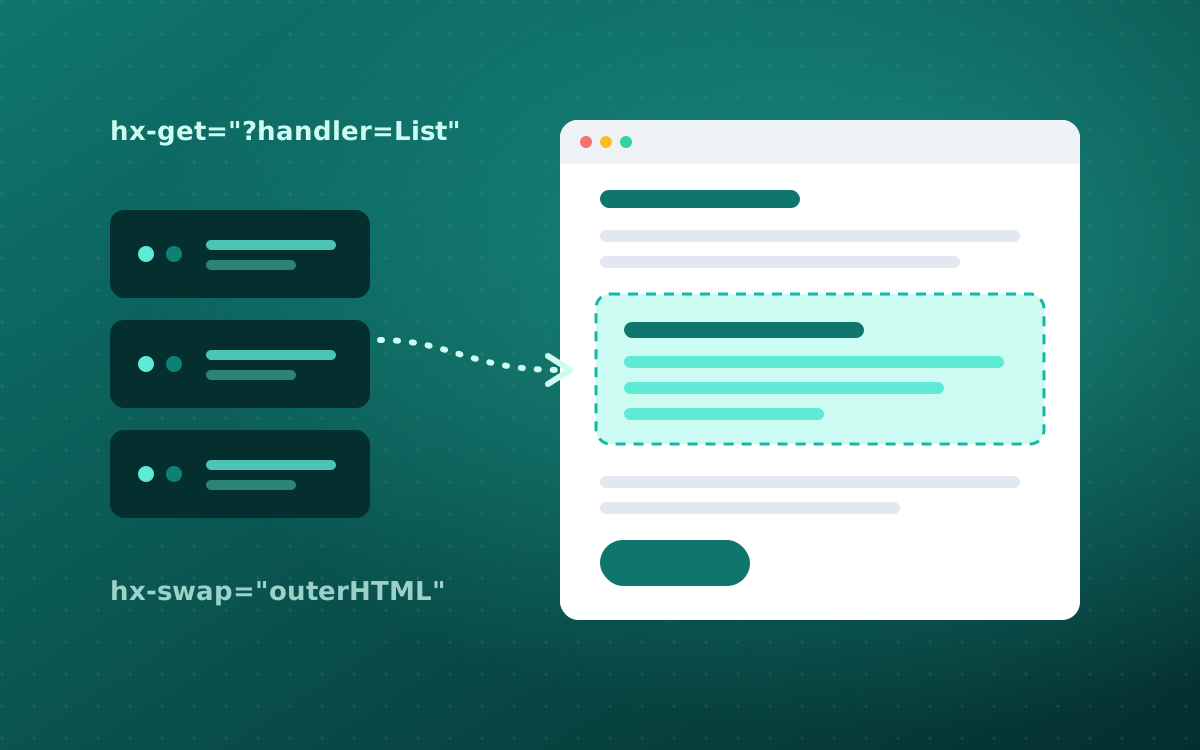
Every lab follows the same repeatable loop: identify a fragment boundary, give it a stable wrapper, make an HTTP request with htmx when something happens, return server-rendered HTML, and swap it into the right target. Master those five steps and you can build most “modern UX” patterns without a SPA.
You start from a working baseline project and implement each feature step by step, keeping DevTools open to inspect the requests, handler routes, fragments, and swaps as they happen. When something breaks, a repeatable troubleshooting checklist gets you unblocked fast.
Who it's for
ASP.NET Core developers who already ship server-rendered Razor Pages apps and want fast, modern, interactive UX without adopting a full SPA framework or moving UI state into the browser.
A working Razor Pages app you modernize lab by lab, plus a reference library of 20+ htmx UI patterns: active search, infinite scroll, inline validation, click-to-edit, drag and drop, file upload, and more.
What you'll be able to do
- Build a fragment-first Razor Pages UI composed of swappable partials
- Convert standard form workflows to partial updates with hx-post and hx-target
- Implement real-time validation with server-side rules and hx-trigger
- Build detail panels and modals, confirm-and-delete flows, and history-aware filtering and pagination
- Create dynamic forms with add/remove rows and dependent dropdowns
- Handle long-running work with polling and status fragments
- Apply conventions that keep an htmx codebase production-livable
Agenda
- 01Foundations: Hypermedia and the htmx Mental Model
- 02Lab 1: Baseline Razor Pages App and Fragment First
- 03Lab 2: Partial Updates with hx-get and hx-post
- 04Lab 3: Real-Time Validation and Form UX
- 05Checkpoint: Troubleshooting and Pattern Review
- 06Lab 4: Core UX Patterns (Modal, Confirm, History, Pagination)
- 07Lab 5: Dynamic Forms and Long-Running UX (Polling)
- 08Checkpoint: Make It Production-Livable
- 09Capstone Hardening and Take-Home Extensions
Prerequisites
- Comfortable with C# and ASP.NET Core Razor Pages
- Basic form handling and model binding
- Running and debugging a .NET app locally
- A laptop with the .NET SDK, your preferred IDE, and browser DevTools