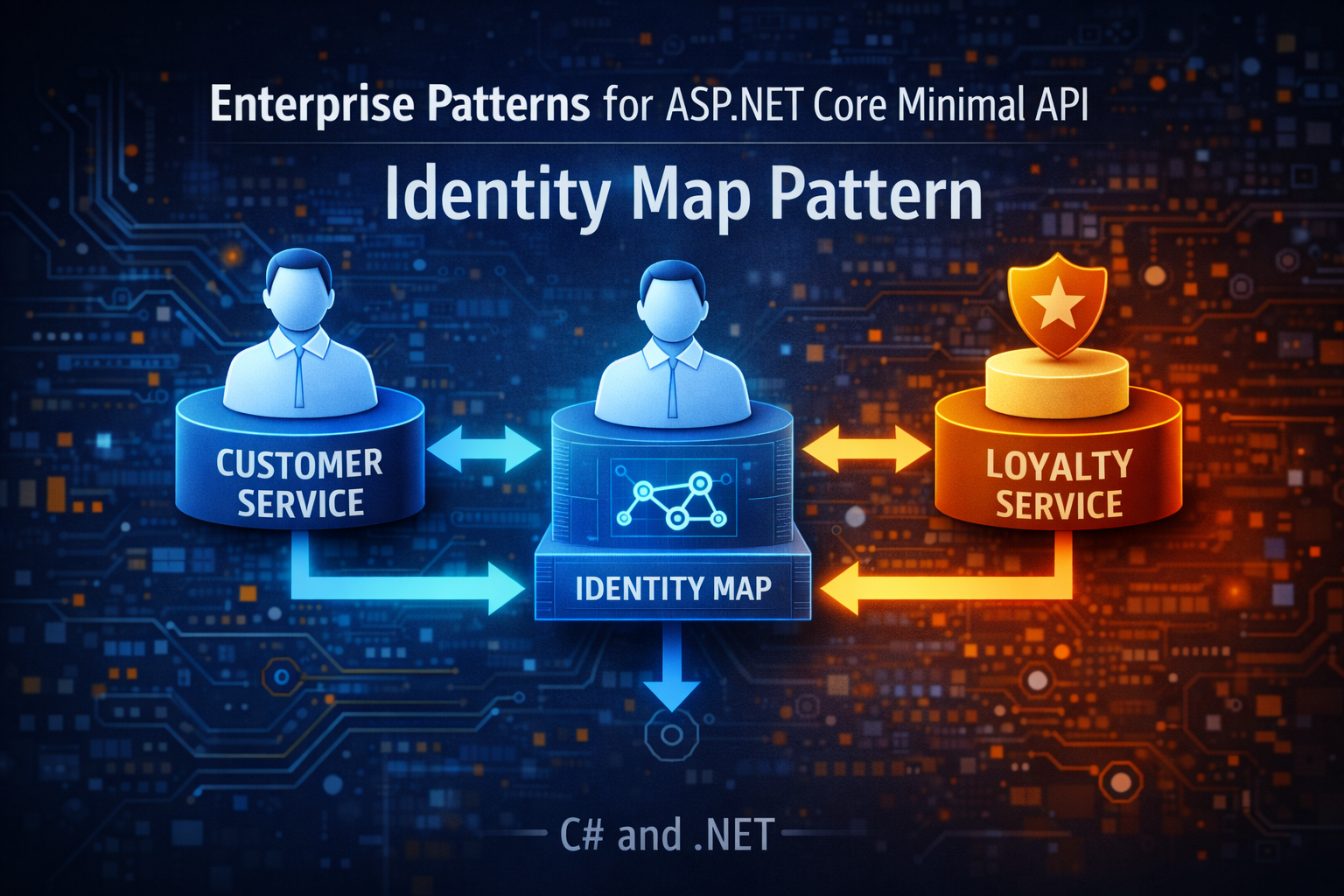
Enterprise Patterns for ASP.NET Core Minimal API: Identity Map Pattern
- Chris Woodruff
- January 6, 2026
- Patterns
- .NET, C#, dotnet, patterns, programming
- 0 Comments
If one customer quietly turns into three different in-memory objects during a single request, your domain is already lying to you.
You see it when:
- Different parts of a request each load the same row again
- One instance is updated, another is validated, and a third is saved
- Bugs show up as “lost updates” or strange race conditions that never reproduce cleanly in tests
The Identity Map pattern exists to stop this drift. It gives you a single rule:
Within a Unit of Work, there should be exactly one in-memory object per database identity.
In other words, one row, one object.
This post covers:
- What is an Identity Map in practical .NET terms
- How EF Core already gives you an identity map
- How to implement one yourself when you are not using a tracking ORM
- Before and after Minimal API examples
- When this pattern is worth caring about and when you can safely ignore it
What Identity Map Really Is
Identity Map is simple at its core:
- It keeps a lookup from identity (primary key) to entity instance
- When code asks for entity X:
- If X is already in memory, return that instance
- If not, load X, put it in the map, and return the loaded instance
It exists so that different parts of your code do not accidentally work on different copies of the “same” entity during a business operation.
A minimal implementation in C# looks like this:
public class IdentityMap<TKey, TValue>
{
    private readonly Dictionary<TKey, TValue> _entities = new();

    public bool TryGet(TKey id, out TValue value)
        => _entities.TryGetValue(id, out value);

    public void Add(TKey id, TValue entity)
    {
        if (_entities.ContainsKey(id))
        {
            throw new InvalidOperationException("Entity already in map.");
        }

        _entities[id] = entity;
    }

    public void Clear() => _entities.Clear();
}
This structure knows nothing about databases. It just enforces “one id, one instance” inside some scope.
Identity Map Inside A Repository
If you are not using a tracking ORM, you can wire Identity Map into your repositories.
Imagine a Customer entity and a repository that uses Dapper or raw ADO.NET.
public sealed class Customer(int id, string email, decimal creditLimit)
{
    public int Id { get; } = id;
    public string Email { get; private set; } = email;
    public decimal CreditLimit { get; private set; } = creditLimit;

    public void ChangeEmail(string newEmail)
    {
        if (string.IsNullOrWhiteSpace(newEmail))
        {
            throw new ArgumentException("Email cannot be empty.", nameof(newEmail));
        }

        Email = newEmail;
    }
}
public interface ICustomerRepository
{
    Task<Customer?> FindAsync(int id, CancellationToken cancellationToken = default);
    Task SaveAsync(Customer customer, CancellationToken cancellationToken = default);
}

public class CustomerRepositoryWithIdentityMap(string connectionString) : ICustomerRepository
{
    private readonly IdentityMap<int, Customer> _identityMap = new();

    public async Task<Customer?> FindAsync(int id, CancellationToken cancellationToken = default)
    {
        if (_identityMap.TryGet(id, out var cached))
        {
            return cached;
        }

        await using var conn = new SqlConnection(connectionString);
        await conn.OpenAsync(cancellationToken);

        var cmd = new SqlCommand(
            @"SELECT Id, Email, CreditLimit FROM Customers WHERE Id = @Id",
            conn);

        cmd.Parameters.AddWithValue("@Id", id);

        await using var reader = await cmd.ExecuteReaderAsync(cancellationToken);
        if (!await reader.ReadAsync(cancellationToken))
        {
            return null;
        }

        var customer = new Customer(
            reader.GetInt32(0),
            reader.GetString(1),
            reader.GetDecimal(2));

        _identityMap.Add(id, customer);
        return customer;
    }

    public async Task SaveAsync(Customer customer, CancellationToken cancellationToken = default)
    {
        await using var conn = new SqlConnection(connectionString);
        await conn.OpenAsync(cancellationToken);

        var cmd = new SqlCommand(
            @"UPDATE Customers
              SET Email = @Email, CreditLimit = @CreditLimit
              WHERE Id = @Id",
            conn);

        cmd.Parameters.AddWithValue("@Id", customer.Id);
        cmd.Parameters.AddWithValue("@Email", customer.Email);
        cmd.Parameters.AddWithValue("@CreditLimit", customer.CreditLimit);

        await cmd.ExecuteNonQueryAsync(cancellationToken);
    }
}
Repository with an Identity Map:
Any code that asks this repository for FindAsync(42) during the life of this repository will receive the same Customer instance.
That is Identity Map in the raw.
EF Core Already Acts As An Identity Map
EF Core’s DbContext already gives you this behavior:
- The first time you load
Customerwith key 42 into a context, EF creates a tracked instance - The second time you query for that same row, EF returns the same instance as long as the query is tracked
- The change tracker is exactly an Identity Map keyed by primary key, plus some state metadata
This is why attaching, detaching, and mixing AsNoTracking queries carelessly causes so much confusion. You are fighting the built-in Identity Map without acknowledging it.
The real question is not whether you use Identity Map. You already do if you use EF Core. The real question is whether you understand where its boundaries are.
Before: Minimal API That Accidentally Creates Multiple Customers
Consider a minimal endpoint that updates a customer’s email and triggers a loyalty service that also works with the customer.
app.MapPost("/customers/{id:int}/update-email", async (
    int id,
    UpdateCustomerEmailRequest dto,
    AppDbContext db,
    LoyaltyService loyalty,
    CancellationToken ct) =>
{
    // First load
    var customer = await db.Customers.FindAsync(new object[] { id }, ct);
    if (customer is null)
    {
        return Results.NotFound();
    }

    customer.Email = dto.NewEmail;

    // LoyaltyService uses its own DbContext and AsNoTracking
    await loyalty.TrackEmailChangedAsync(id, dto.NewEmail, ct);

    await db.SaveChangesAsync(ct);

    return Results.Ok(new { customer.Id, customer.Email });
});
A naive LoyaltyService implementation:
public class LoyaltyService(IDbContextFactory<AppDbContext> dbContextFactory)
{
    private readonly IDbContextFactory<AppDbContext> _dbContextFactory = dbContextFactory;

    public async Task TrackEmailChangedAsync(
        int customerId,
        string newEmail,
        CancellationToken cancellationToken = default)
    {
        await using var db = await _dbContextFactory.CreateDbContextAsync(cancellationToken);

        // Second load (different DbContext)
        var customer = await db.Customers
            .AsNoTracking()
            .SingleOrDefaultAsync(c => c.Id == customerId, cancellationToken);

        if (customer is null)
        {
            return;
        }

        db.LoyaltyEvents.Add(new LoyaltyEvent
        {
            CustomerId = customer.Id,
            NewEmail = newEmail,
            OccurredAtUtc = DateTime.UtcNow
        });

        await db.SaveChangesAsync(cancellationToken);
    }
}
What is wrong here:
- The endpoint and the loyalty service each have their own identity map (two DbContexts)
- Each context has its own
Customerinstance - The loyalty operation commits independently of the main operation
From a behavior perspective:
- If the outer
SaveChangesAsyncfails, loyalty may already have recorded an event - If the inner
SaveChangesAsyncfails, the email update might succeed while loyalty stays uninformed
Within a single request, there is no single notion of “the customer we are working with.” There are copies.
After: One DbContext, One Identity Map, One Unit Of Work
Refactor so that:
- There is a single identity map per business operation
- The Unit of Work and Identity Map boundaries line up
- Loyalty depends on the same context instead of creating its own
Wire your DbContext as scoped and your Unit of Work around it:
builder.Services.AddDbContext<AppDbContext>(options =>
{
    options.UseSqlServer(builder.Configuration.GetConnectionString("DefaultConnection"));
});

builder.Services.AddScoped<IUnitOfWork, EfCoreUnitOfWork>();
builder.Services.AddScoped<ICustomerRepository, EfCoreCustomerRepository>();
builder.Services.AddScoped<ILoyaltyEventWriter, EfCoreLoyaltyEventWriter>();
builder.Services.AddScoped<CustomerApplicationService>();
Loyalty writer that uses the shared context:
public interface ILoyaltyEventWriter
{
    Task EmailChangedAsync(Customer customer, CancellationToken cancellationToken = default);
}

public class EfCoreLoyaltyEventWriter(AppDbContext dbContext) : ILoyaltyEventWriter
{
    public Task EmailChangedAsync(
        Customer customer,
        CancellationToken cancellationToken = default)
    {
        dbContext.LoyaltyEvents.Add(new LoyaltyEvent
        {
            CustomerId = customer.Id,
            NewEmail = customer.Email,
            OccurredAtUtc = DateTime.UtcNow
        });

        // No SaveChangesAsync here. Unit of Work will handle it.
        return Task.CompletedTask;
    }
}
An application service that works with repositories and Unit of Work:
public sealed class UpdateCustomerEmailRequest
{
    public string NewEmail { get; set; } = string.Empty;
}

public class CustomerApplicationService(
    ICustomerRepository customers,
    ILoyaltyEventWriter loyaltyEvents,
    IUnitOfWork unitOfWork)
{
    private readonly ICustomerRepository _customers = customers;
    private readonly ILoyaltyEventWriter _loyaltyEvents = loyaltyEvents;

    public async Task UpdateEmailAsync(
        int id,
        string newEmail,
        CancellationToken cancellationToken = default)
    {
        await unitOfWork.BeginAsync(cancellationToken);

        try
        {
            var customer = await _customers.FindAsync(id, cancellationToken);
            if (customer is null)
            {
                throw new InvalidOperationException("Customer not found.");
            }

            customer.ChangeEmail(newEmail);

            await _loyaltyEvents.EmailChangedAsync(customer, cancellationToken);

            await unitOfWork.CommitAsync(cancellationToken);
        }
        catch
        {
            await unitOfWork.RollbackAsync(cancellationToken);
            throw;
        }
    }
}
Minimal API endpoint:
app.MapPost("/customers/{id:int}/update-email", async (
    int id,
    UpdateCustomerEmailRequest dto,
    CustomerApplicationService service,
    CancellationToken ct) =>
{
    try
    {
        await service.UpdateEmailAsync(id, dto.NewEmail, ct);
        return Results.Ok(new { Id = id, dto.NewEmail });
    }
    catch (InvalidOperationException ex)
    {
        return Results.BadRequest(ex.Message);
    }
});
Now:
- There is exactly one
AppDbContextper request - That context provides the identity map for
Customer - Both customer update and loyalty event work with the same
Customerinstance - There is one commit point via Unit of Work
Identity Map and Unit of Work now work together rather than fight each other.
A Custom Identity Map For Non EF Data Access
If you are using Dapper or a micro ORM without change tracking, you may want a more explicit pattern.
Create a Unit of Work that owns an Identity Map and a collection of repositories.
public interface IDapperUnitOfWork : IAsyncDisposable
{
    IdentityMap<int, Customer> Customers { get; }
    Task<IDbConnection> GetOpenConnectionAsync(CancellationToken cancellationToken = default);
    Task CommitAsync(CancellationToken cancellationToken = default);
}
public class DapperUnitOfWork(string connectionString) : IDapperUnitOfWork
{
    private readonly IdentityMap<int, Customer> _customers = new();
    private IDbConnection? _connection;
    private IDbTransaction? _transaction;

    public IdentityMap<int, Customer> Customers => _customers;

    public async Task<IDbConnection> GetOpenConnectionAsync(
        CancellationToken cancellationToken = default)
    {
        if (_connection is not null) return _connection;
        var conn = new SqlConnection(connectionString);
        await conn.OpenAsync(cancellationToken);
        _connection = conn;
        _transaction = _connection.BeginTransaction();

        return _connection;
    }

    public async Task CommitAsync(CancellationToken cancellationToken = default)
    {
        _transaction?.Commit();
        await DisposeAsync();
    }

    public async ValueTask DisposeAsync()
    {
        if (_transaction is not null)
        {
            await Task.Run(() => _transaction.Dispose());
            _transaction = null;
        }

        if (_connection is not null)
        {
            await _connection.DisposeAsync();
            _connection = null;
        }

        _customers.Clear();
    }
}
Simple implementation:
You would then implement a Dapper-based CustomerRepository that:
- Uses
DapperUnitOfWork.Customersas its Identity Map - Uses the shared connection and transaction from
GetOpenConnectionAsync
Within that Unit of Work, any call that asks for customer 42 gets the same instance.
Identity Map is not about fancy data structures. It is about discipline.
When To Lean Into an Identity Map
Identity Map is worth your attention when:
- You have a rich domain model with behavior, not just DTOs
- Multiple services or repositories may touch the same entity within an operation
- You care about invariants that should apply to one instance, not three copies
If you are already using EF Core with a single scoped DbContext and a layered architecture, your main job is to respect the identity map EF gives you:
- Do not create multiple DbContexts per operation unless you really mean it
- Avoid random
AsNoTrackingreads in the middle of workflows that mutate entities - Keep persistence commits at the Unit of Work boundary
If you are using non-tracking data access, consider adding an explicit Identity Map to your Unit of Work. Otherwise, you will keep rediscovering the same bug: one database row, many in-memory truths.
When You Can Skip An Explicit Identity Map
You can usually skip a custom Identity Map layer when:
- Your application is simple CRUD over a database with thin entities
- Each request touches a single entity once and writes it back
- You rely on EF Core with one scoped context and never detach or reuse entities across contexts
- Your queries are read-only analytics or reporting, where data is treated as immutable snapshots
Even then, understanding that EF Core has an identity map prevents you from sabotaging it unintentionally.
Closing Thought
Identity Map is not glamorous. It is bookkeeping.
But that bookkeeping decides whether your domain has a single in-memory view of reality or a pile of slightly different copies that fight each other at save time.
The next time you see two different Customer instances for the same id in one request, ask yourself a blunt question:
Is my problem the business rule, or is it the fact that my code cannot agree on which customer it is talking to?
Related Posts