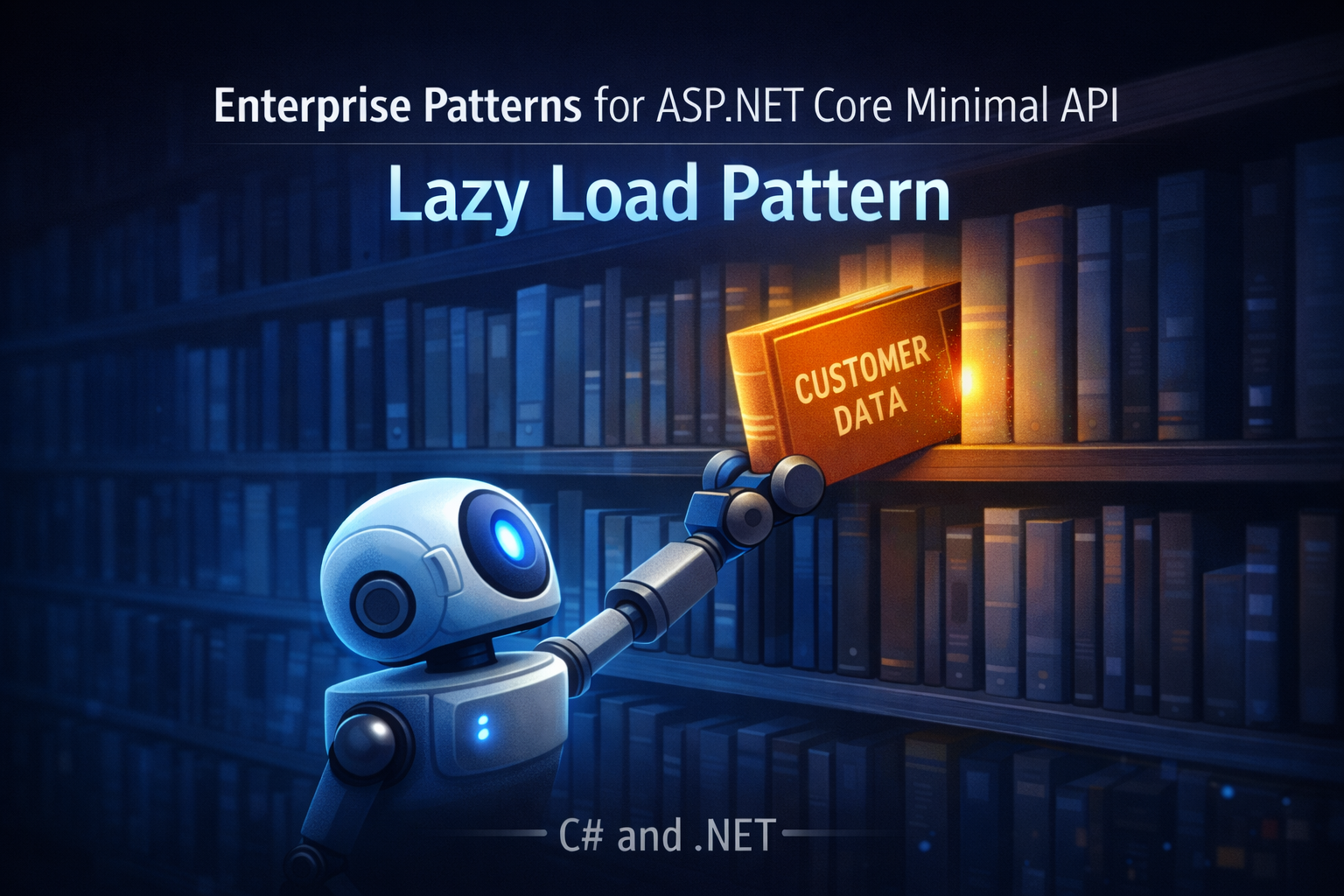
Enterprise Patterns for ASP.NET Core Minimal API: Lazy Load Pattern
- Chris Woodruff
- January 8, 2026
- Patterns
- .NET, C#, dotnet, patterns, programming
- 0 Comments
If a single endpoint pulls half your database just to render a small card on a mobile screen, your problem is not the database. Your problem is that you are afraid to say no.
Lazy Load is how you say no.
You refuse to pay for the cost of related data until it’s actually needed. Used with intent, it protects you from bloated object graphs and unnecessary joins. Used carelessly, it turns every property access into a silent query and your performance into a mystery.
This post walks through:
- What Lazy Load really is in a .NET context
- A manual Lazy Load pattern in C#
- How EF Core can do lazy loading for you and how it can hurt
- Before and after Minimal API snippets
- When the pattern earns its place and when you should avoid it
The Problem: Loading Everything For Everyone
Imagine a simple requirement:
Show a small order summary in a list.
You need:
- Order Id
- Order total
- Customer name
That is it.
Here is what often shows up in production:
app.MapGet("/orders/{id:guid}", async (
    Guid id,
    AppDbContext db,
    CancellationToken ct) =>
{
    var order = await db.Orders
        .Include(o => o.Customer)
        .Include(o => o.Lines)
            .ThenInclude(l => l.Product)
        .Include(o => o.LoyaltyEvents)
        .Include(o => o.AuditTrail)
        .SingleOrDefaultAsync(o => o.Id == id, ct);

    if (order is null)
    {
        return Results.NotFound();
    }

    var dto = new
    {
        order.Id,
        order.TotalAmount,
        CustomerName = order.Customer.Name
    };

    return Results.Ok(dto);
});
app.MapGet("/orders/{id:guid}", async (
    Guid id,
    AppDbContext db,
    CancellationToken ct) =>
{
    var order = await db.Orders
        .Include(o => o.Customer)
        .Include(o => o.Lines)
            .ThenInclude(l => l.Product)
        .Include(o => o.LoyaltyEvents)
        .Include(o => o.AuditTrail)
        .SingleOrDefaultAsync(o => o.Id == id, ct);

    if (order is null)
    {
        return Results.NotFound();
    }

    var dto = new
    {
        order.Id,
        order.TotalAmount,
        CustomerName = order.Customer.Name
    };

    return Results.Ok(dto);
});
That response only uses Id, TotalAmount, and Customer.Name. The rest of the graph is dead weight.
Every call drags along:
- All order lines
- All products referenced by those lines
- All loyalty events
- All audit steps
The endpoint does not care, but the database and network do.
Lazy Load exists to push back on this habit.
What The Lazy Load Pattern Actually Does
In Fowler’s terms, Lazy Load:
- Delays the loading of related data until it is actually needed
- Caches that data on first load for the life of the object
- Reduces cost for scenarios where you sometimes need the association but often do not
Practical definition for .NET:
- You represent a relationship as a method or property that can fetch the related entity on demand
- The first call triggers a query
- Later calls reuse the same instance
You can rely on:
- Framework support (EF Core lazy loading proxies), or
- An explicit pattern you control
Let us start with the explicit version.
Manual Lazy Load In C#
Take a domain slice where an order sometimes needs its customer details, but not always.
public sealed class Customer(Guid id, string name, string email)
{
    public Guid Id { get; } = id;
    public string Name { get; private set; } = name;
    public string Email { get; private set; } = email;
}

public sealed class OrderWithLazyCustomer
{
    private readonly Func<Guid, Task<Customer>> _customerLoader;
    private Customer? _customer;

    public OrderWithLazyCustomer(
        Guid id,
        Guid customerId,
        decimal totalAmount,
        Func<Guid, Task<Customer>> customerLoader)
    {
        Id = id;
        CustomerId = customerId;
        TotalAmount = totalAmount;
        _customerLoader = customerLoader;
    }

    public Guid Id { get; }
    public Guid CustomerId { get; }
    public decimal TotalAmount { get; }

    public async Task<Customer> GetCustomerAsync()
    {
        if (_customer == null)
        {
            _customer = await _customerLoader(CustomerId);
        }

        return _customer;
    }
}
Key points:
OrderWithLazyCustomerknows aCustomerId, not aCustomerinstanceGetCustomerAsyncloads the customer only on first access- The loader delegate is injected so the domain does not know about
DbContext
A repository can provide that loader.
public interface ICustomerRepository
{
    Task<Customer> GetByIdAsync(Guid id, CancellationToken cancellationToken = default);
}

public interface IOrderRepository
{
    Task<OrderWithLazyCustomer?> GetOrderWithLazyCustomerAsync(
        Guid id,
        CancellationToken cancellationToken = default);
}

public sealed class EfCoreOrderRepository(AppDbContext dbContext, ICustomerRepository customers) : IOrderRepository
{
    private readonly ICustomerRepository _customers = customers;

    public async Task<OrderWithLazyCustomer?> GetOrderWithLazyCustomerAsync(
        Guid id,
        CancellationToken cancellationToken = default)
    {
        var entity = await dbContext.Orders
            .AsNoTracking()
            .SingleOrDefaultAsync(o => o.Id == id, cancellationToken);

        if (entity is null)
        {
            return null;
        }

        return new OrderWithLazyCustomer(
            entity.Id,
            entity.CustomerId,
            entity.TotalAmount,
            customerId => _customers.GetByIdAsync(customerId, cancellationToken));
    }
}
Now:
- Getting an order is cheap
- Getting the customer has a cost that the caller chooses to pay or avoid
EF Core Lazy Loading: Power And Hazard
EF Core can do lazy loading for you using proxies.
How it works at a high level
- You install
Microsoft.EntityFrameworkCore.Proxies - You configure the context:
services.AddDbContext<AppDbContext>(options =>
{
    options.UseSqlServer(connectionString);
    options.UseLazyLoadingProxies();
});
- You mark navigation properties as
virtual:
public class Order
{
    public Guid Id { get; set; }
    public Guid CustomerId { get; set; }
    public virtual Customer Customer { get; set; } = default!;
    public virtual ICollection<OrderLine> Lines { get; set; } = new List<OrderLine>();

    // Other properties
}
When code reads order.Customer for the first time, EF Core:
- Detects the access on a proxy
- Runs a query behind the scenes
- Assigns the resulting
Customerinstance to the navigation
You did not write a query. You did not call any loader method. That is the convenience and the danger.
What goes wrong in practice
- Serialization of an
Orderwith lazy navigations can fire many hidden queries - A loop that touches
order.Customerororder.Linesmultiple times across a list of orders can produce classic N+1 patterns - It becomes hard to reason about how many queries a single endpoint will run
Lazy Load is not a free performance boost. It is a tool that moves query decisions out of your code and into property access.
If you use EF Core lazy loading, you need strong logging and discipline. Many teams prefer explicit patterns instead, because you can see queries in the code.
Before vs After: Minimal API That Overloads Includes
Return to the order summary example and make it concrete.
Before: eager everything
This endpoint:
- Loads more than the client cares about
- Pulls large graphs for simple views
- Limits your ability to scale when data grows
After: explicit Lazy Load for customer
First, adjust the repository to return OrderWithLazyCustomer.
public sealed class EfCoreCustomerRepository(AppDbContext dbContext) : ICustomerRepository
{
    public async Task<Customer?> GetByIdAsync(
        Guid id,
        CancellationToken cancellationToken = default)
    {
        var entity = await dbContext.Customers
            .AsNoTracking()
            .SingleOrDefaultAsync(c => c.Id == id, cancellationToken);

        if (entity is null)
        {
            throw new InvalidOperationException("Customer not found.");
        }

        return new Customer(entity.Id, entity.Name, entity.Email);
    }
}
Then the endpoint uses the lazy variant:
app.MapGet("/orders/{id:guid}", async (
    Guid id,
    IOrderRepository orders,
    CancellationToken ct) =>
{
    var order = await orders.GetOrderWithLazyCustomerAsync(id, ct);
    if (order is null)
    {
        return Results.NotFound();
    }

    // Only load customer if the caller requested detailed info
    // For this example, we keep it simple and always load
    var customer = await order.GetCustomerAsync();

    var dto = new
    {
        order.Id,
        order.TotalAmount,
        CustomerName = customer.Name
    };

    return Results.Ok(dto);
});
To make the pattern more interesting, you can expose two endpoints:
/orders/{id}for summaries (no lazy load, only order data)/orders/{id}/detailsthat usesGetCustomerAsyncand other loaders
The point is that Lazy Load turns expensive associations into an explicit choice.
Lazy Load Combined With Identity Map And Unit Of Work
Lazy Load is rarely used alone in serious enterprise code. It sits with:
- Identity Map: ensures one instance per entity inside a Unit of Work
- Unit of Work: defines the transactional boundary
- Repository: defines a domain-centric API for aggregates
In EF Core, DbContext already brings Identity Map and Unit of Work behavior:
- Tracked entities are unique per key within the context
SaveChangesAsynccommits all tracked changes as a unit
When you add Lazy Load on top:
- Lazy queries must stay inside the context lifetime
- You rely on the same identity map each time a lazy property triggers a query
If you build a manual Lazy Load over repositories:
- You decide which relationships are lazy
- You do not rely on magic proxies
- You can still respect one identity per entity by combining with your own Identity Map or with EF’s tracking rules
When Lazy Load Helps
Lazy Load earns its place when you refuse to load data you are not going to use.
Typical situations:
Large graphs with rare use
- Orders with hundreds of lines
- Customers with big document collections
- Entities with heavy histories or audit trails
Most requests do not need the full graph. Lazy Load lets you keep relationships while avoiding automatic eager loading.
Multiple response shapes
The same aggregate may serve:
- List views that need summary fields
- Detail views that need associated entities
- Background jobs that need only identifiers and totals
Lazy Load allows shared code paths to delay loading the heavy bits until a particular response shape requires them.
Dealing with occasionally expensive relationships
Some relationships are usually cheap, but occasionally blow up:
- Most customers have a handful of orders; a few have thousands
- Most products have a tiny history; a few have huge trails
Lazy Load lets you keep the association available without always paying the worst-case cost.
When Lazy Load Hurts
Lazy Load is very good at hiding your performance problems until you are in production.
You should avoid or strictly limit Lazy Load when:
You cannot predict query counts
If you cannot confidently estimate how many queries a given request will run, adding lazy loading is a bad idea. Every property access might hide a round trip.
You already have N+1 issues
Lazy Load is a classic way to turn:
- One list of orders into
- One query to fetch the list, plus N queries to fetch the customer for each order
If you do not have strict discipline or query logging, this pattern will bite.
Your graphs are small and predictable
For simple applications:
- With shallow relationships
- Where eager loading is cheap and clear
a single tuned query is easier to reason about than a maze of lazy loaders.
You serialize domain objects directly
When you hand lazy loaded domain objects directly to JSON or other serializers:
- The serializer walks the graph
- Each navigation access can fire a query
- You end up in a cascade of lazy loads that you did not plan
In that world, you require explicit DTOs and queries instead of letting Lazy Load hide the work.
Bringing Lazy Load Discipline Into Your ASP.NET Core App
A sensible path:
- Turn on detailed EF Core logging in development.
- Pick one hot endpoint and count the queries it runs.
- Look for includes or navigations that are never used by the response.
- Replace those with either:
- Manual Lazy Load, or
- Separate queries for separate response shapes.
- Document which associations are lazy and why, so the next developer does not accidentally trigger them in a loop.
Lazy Load is not an excuse to stop thinking about queries. It is a way to make your choices explicit.
Closing Thought
Eager loading everywhere is fear. Lazy loading everywhere is denial.
The Lazy Load pattern is what you use when you are willing to design your access patterns instead of letting them emerge accidentally.
Treat every expensive relationship as a question:
- Does this flow really need that customer, those products, that history, right now?
If the answer is often no, Lazy Load gives you a clean way to delay the cost without throwing away the relationship.
Related Posts